F5 and Hashicorp Basics > F5 Automation With Terraform > Lab 1 - Basic BIG-IP Administration with Terraform Source |
BIG-IP Infrastructure Onboarding
In this section you will configure basic network configurations like NTP, DNS, and interface IP addresses.
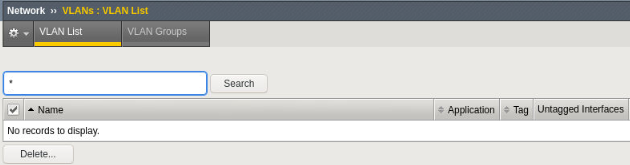
Confirm BIG-IP is not configured with basic network configurations.
Explore BIG-IP GUI Network -> Self IPs and Network -> VLANs settings to validate they are not configured

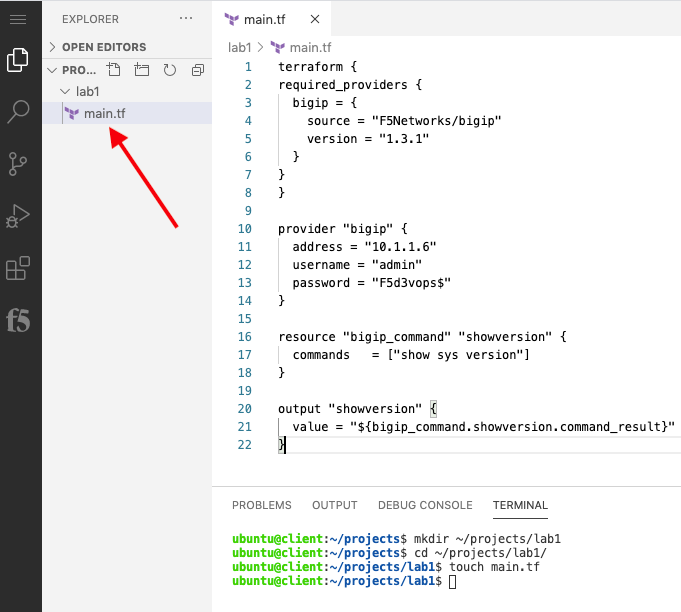
Create main.tf to use the [Terraform Provider for F5 BIG-IP]
Open client server vscode terminal
mkdir ~/projects/lab1cd ~/projects/lab1touch main.tfuse vscode to add the following code to main.tf
terraform {
required_providers {
  bigip = {
    source = "F5Networks/bigip"
    version = "1.3.1"
  }
}
}

provider "bigip" {
  address = "10.1.1.6"
  username = "admin"
  password = "F5d3vops$"
}

resource "bigip_command" "showversion" {
  commands   = ["show sys version"]
}

output "showversion" {
  value = "${bigip_command.showversion.command_result}"
}
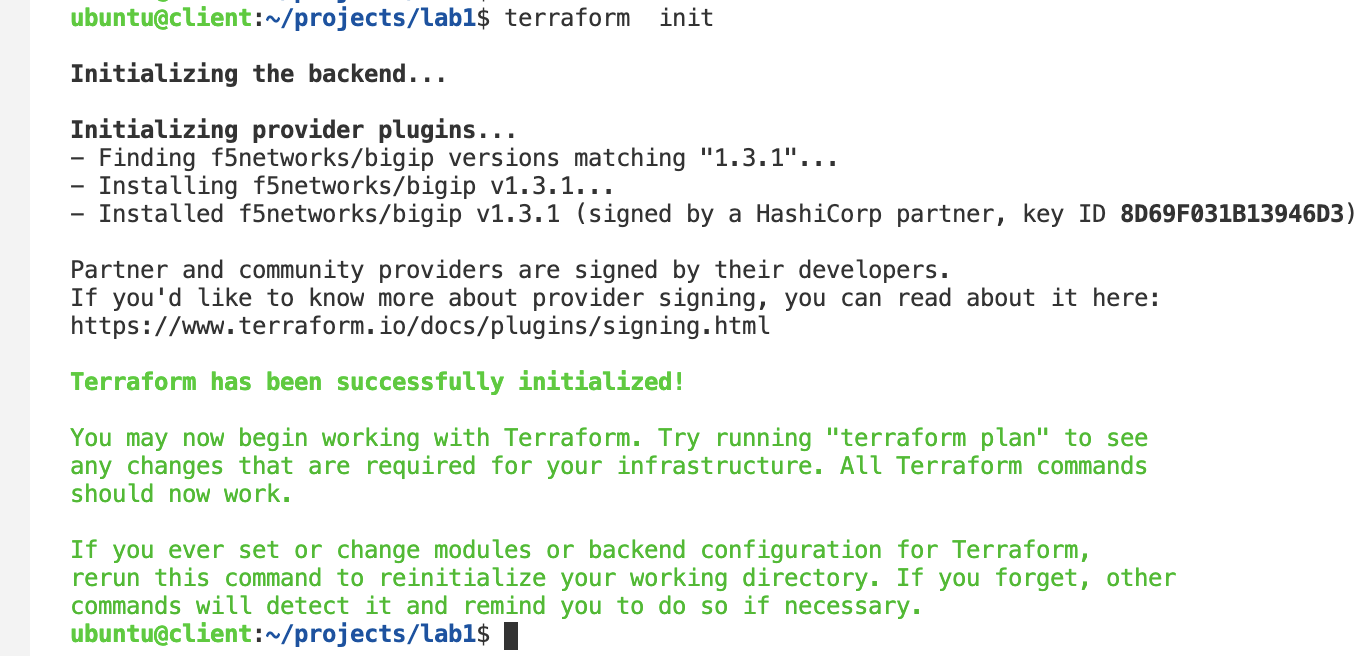
Test terraform connectivity to bigip
terraform init
Note
The terraform init command is used to initialize a working directory containing Terraform configuration files. This is the first command that should be run after writing a new Terraform configuration or cloning an existing one from version control. It is safe to run this command multiple times.
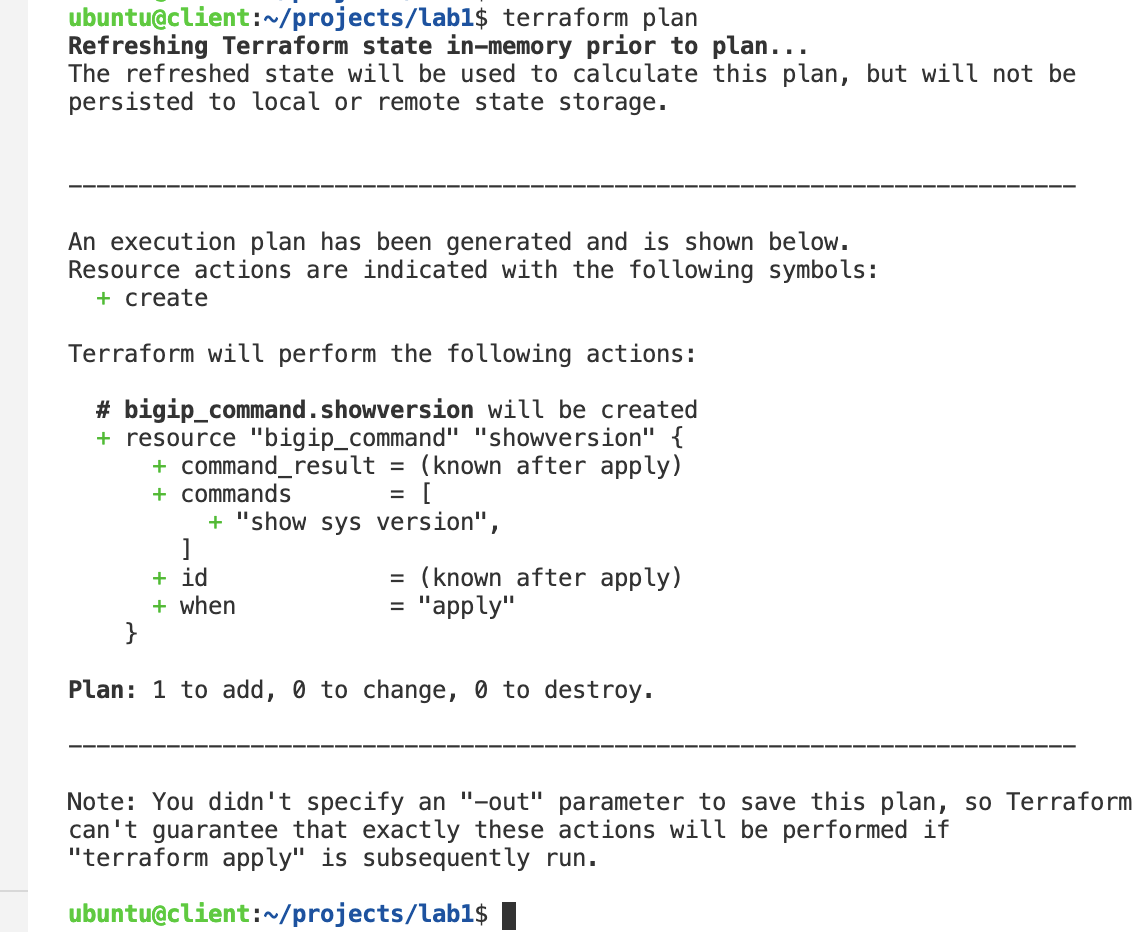
terraform plan
Note
The terraform plan command is used to create an execution plan. Terraform performs a refresh, unless explicitly disabled, and then determines what actions are necessary to achieve the desired state specified in the configuration files.
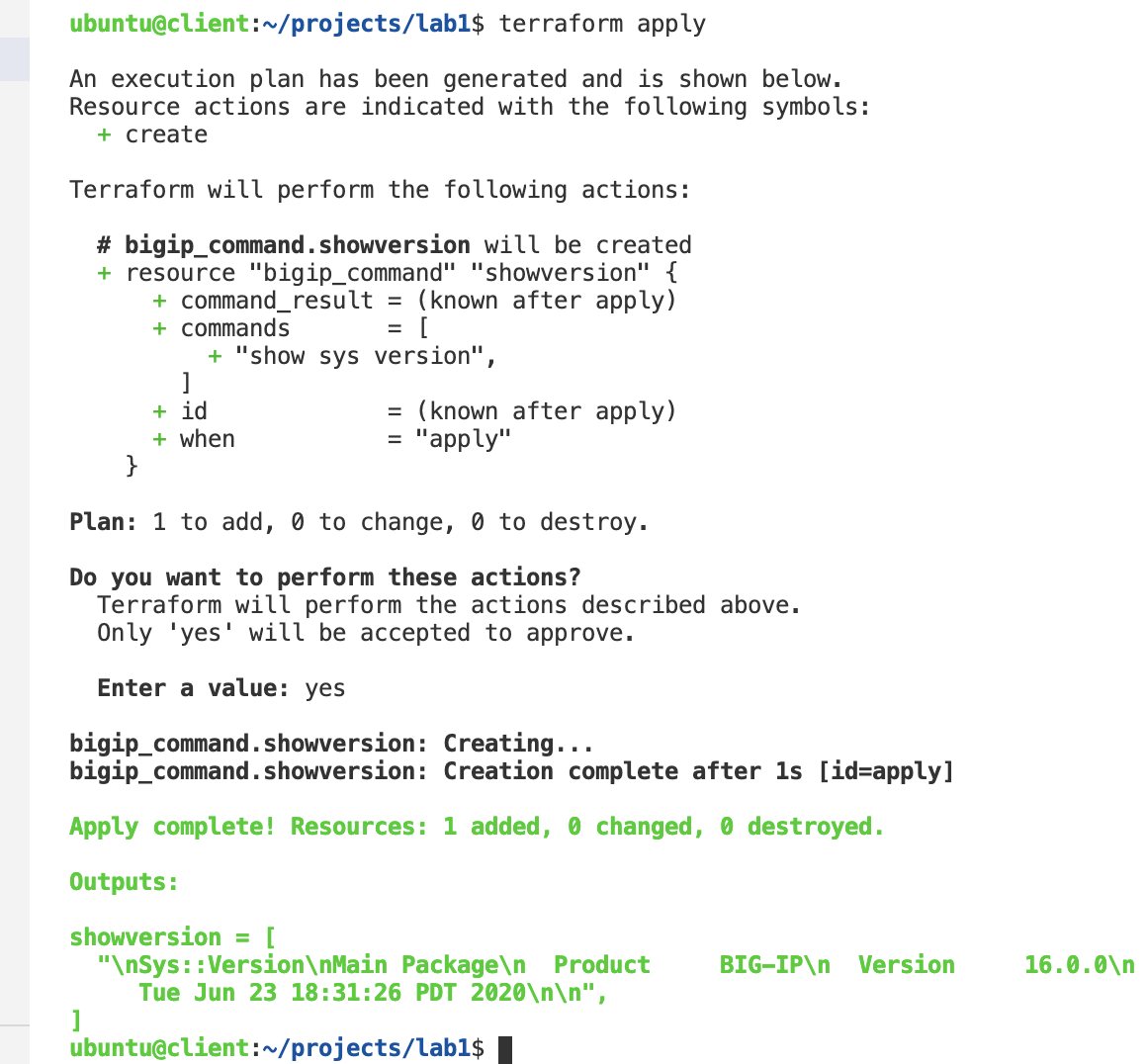
terraform apply
Type
yesto approve action when prompted
Note
The terraform apply command is used to apply the changes required to reach the desired state of the configuration, or the pre-determined set of actions generated by a terraform plan execution plan. In addition terraform.tfstate file is created by Terraform to map real world resources to your configuration, keep track of metadata, and to improve performance for large infrastructures.
Create f5base.tf to configure base bigip network (NTP, DNS, VLANS and SELFIPs)
touch f5base.tfuse vscode to add the following code to f5base.tf
resource "bigip_sys_ntp" "ntp1" {
  description = "/Common/NTP1"
  servers = ["time.google.com"]
  timezone = "America/Los_Angeles"
}

resource "bigip_sys_dns" "dns1" {
  description = "/Common/DNS1"
  name_servers = ["8.8.8.8"]
  number_of_dots = 2
  search = ["f5.com"]
}

resource "bigip_net_vlan" "vlan1" {
  name = "/Common/internal"
  interfaces {
    vlanport = 1.1
    tagged = false
  }
}

resource "bigip_net_vlan" "vlan2" {
  name = "/Common/external"
  interfaces {
    vlanport = 1.2
    tagged = false
  }
}

resource "bigip_net_selfip" "selfip1" {
   name = "/Common/internalselfIP"
   ip = "10.1.10.6/24"
   vlan = "/Common/internal"
   depends_on = [bigip_net_vlan.vlan1]
}

resource "bigip_net_selfip" "selfip2" {
   name = "/Common/externalselfIP"
   ip = "10.1.20.6/24"
   vlan = "/Common/external"
   depends_on = [bigip_net_vlan.vlan2]
}
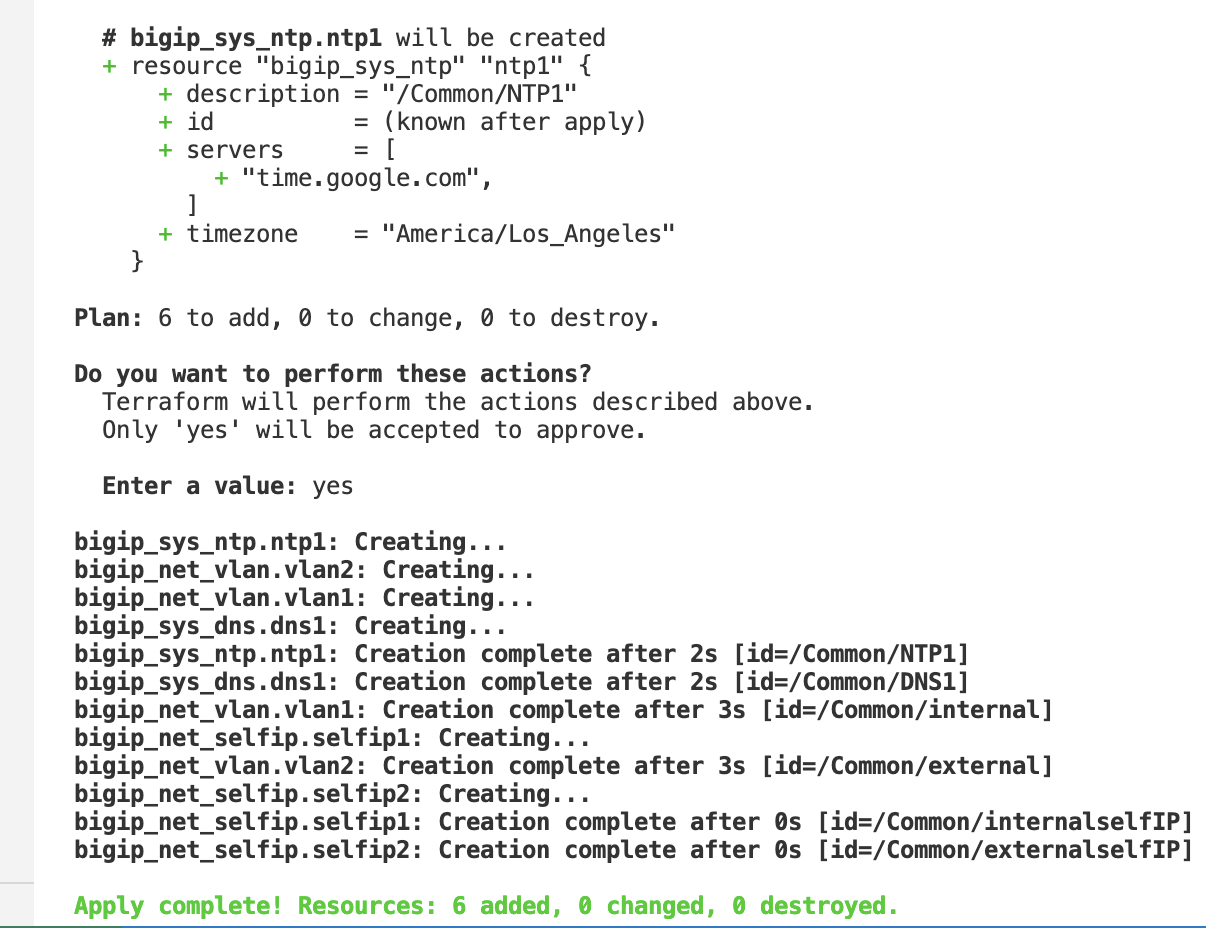
terraform planterraform apply
Note
The bigip terraform provider contains native resources to help facilitate provisioning services on BIG-IPs. For example bigip_sys_ntp resource is helpful when configuring NTP server on the BIG-IP.
Confirm BIG-IP is now configured
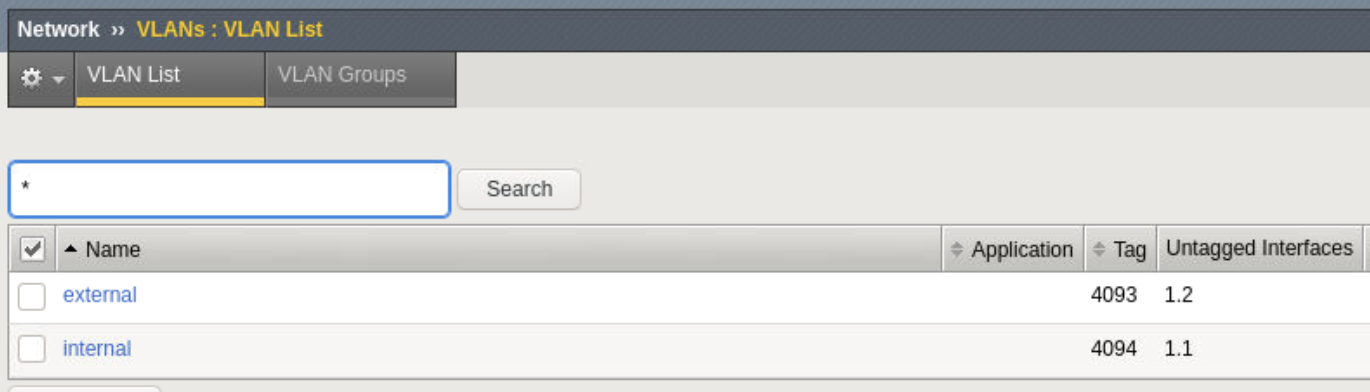
Refresh firefox browser and explore BIG-IP GUI Network -> Self IPs and Network -> VLANs to validate network settings are now configured