F5 and Hashicorp Basics > F5 Automation With Terraform > Lab 1 - Basic BIG-IP Administration with Terraform Source |
BIG-IP App Services Configuration
In this section you will configure basic application delivery services such as nodes, pools, pool members and virtual servers.
Create app1.tf
touch app1.tfuse vscode to add the following code to app1.tf
resource "bigip_ltm_monitor" "monitor" {
  name     = "/Common/app1_monitor"
  parent   = "/Common/http"
  send     = "GET /\r\n"
  timeout  = "300"
  interval = "3"
}

resource "bigip_ltm_node" "node" {
  name    = "/Common/10.1.10.5"
  address = "10.1.10.5"
}

resource "bigip_ltm_pool" "pool" {
  name                = "/Common/app1_pool"
  load_balancing_mode = "round-robin"
  monitors            = ["/Common/app1_monitor"]
  allow_snat          = "yes"
  allow_nat           = "yes"
  depends_on = [bigip_ltm_monitor.monitor]
}

resource "bigip_ltm_pool_attachment" "attach_node" {
  pool = "/Common/app1_pool"
  node = "/Common/10.1.10.5:80"
  depends_on = [bigip_ltm_pool.pool, bigip_ltm_node.node]
}

resource "bigip_ltm_virtual_server" "http" {
  pool = "/Common/app1_pool"
  name = "/Common/app1_vs"
  destination = "10.1.20.20"
  port = 80
  source_address_translation = "automap"
  depends_on = [bigip_ltm_pool.pool]
}
Deploy App1 services
terraform planterraform apply -auto-approve
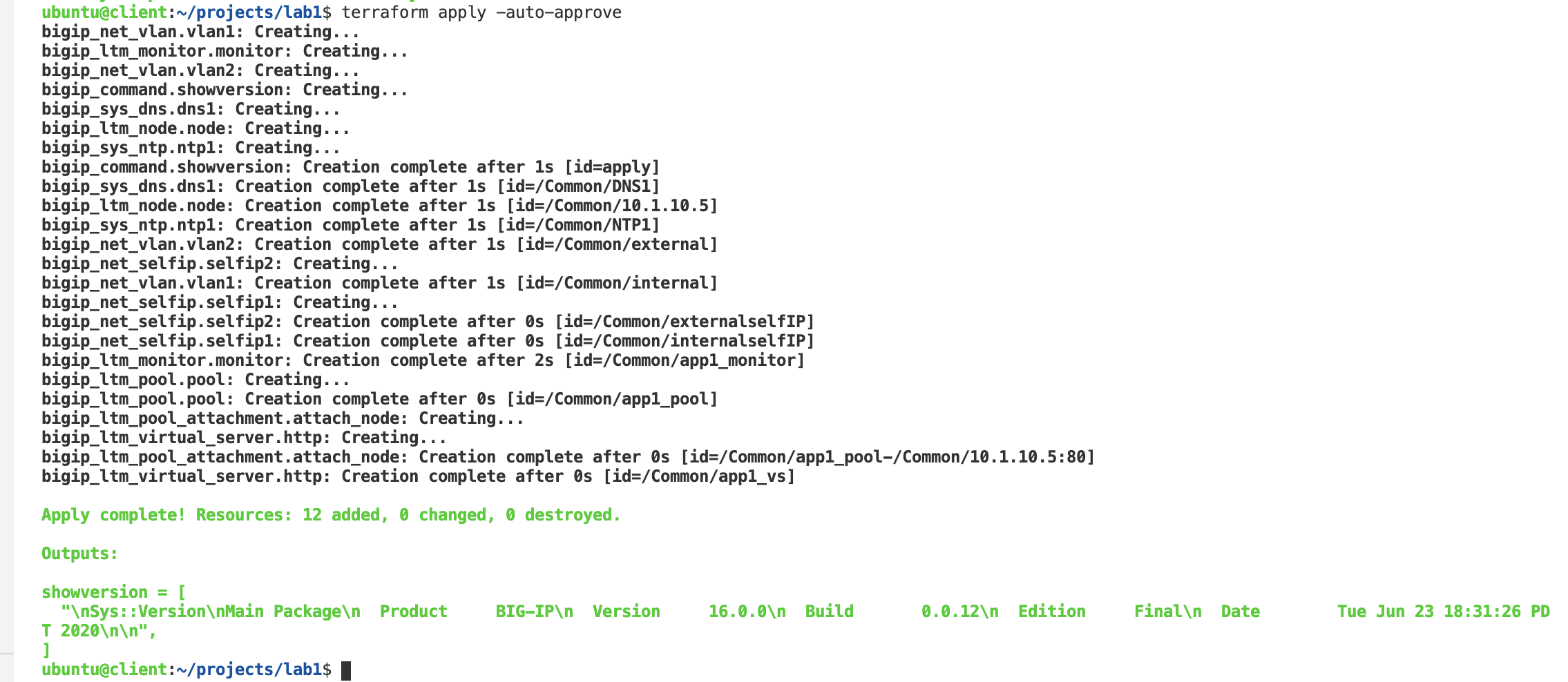
Confirm BIG-IP is now configured
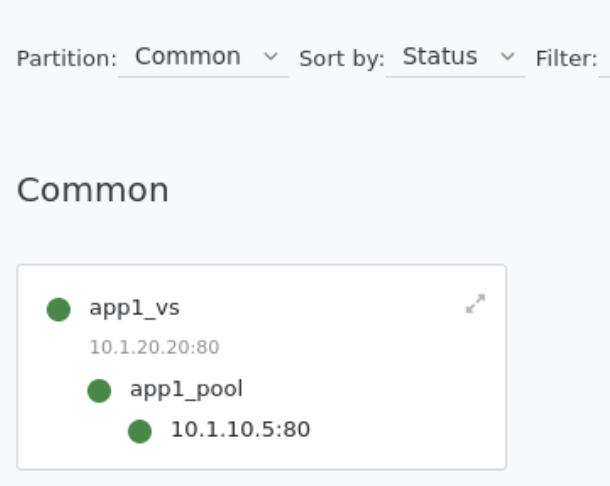
Explore BIG-IP GUI Local Traffic -> Network Map to view app1 services