F5 and Hashicorp Basics > F5 Automation With Terraform > Lab 1 - Basic BIG-IP Administration with Terraform Source |
Modify and Destroy App Services Configuration
In this section you will conduct basic add and delete administration using terraform
Add 2nd Pool Member to service App1
use vscode to add the following code to app1.tf
resource "bigip_ltm_node" "node2" {
  name    = "/Common/10.1.10.10"
  address = "10.1.10.10"
}

resource "bigip_ltm_pool_attachment" "attach_node2" {
  pool = "/Common/app1_pool"
  node = "/Common/10.1.10.10:80"
}
Hint
Follow same syntax and spacing formats for best results. Notice existing bigip_ltm_node and bigip_ltm_pool_attachment resource dependencies.
Redeploy App1 services
terraform planterraform apply -auto-approve
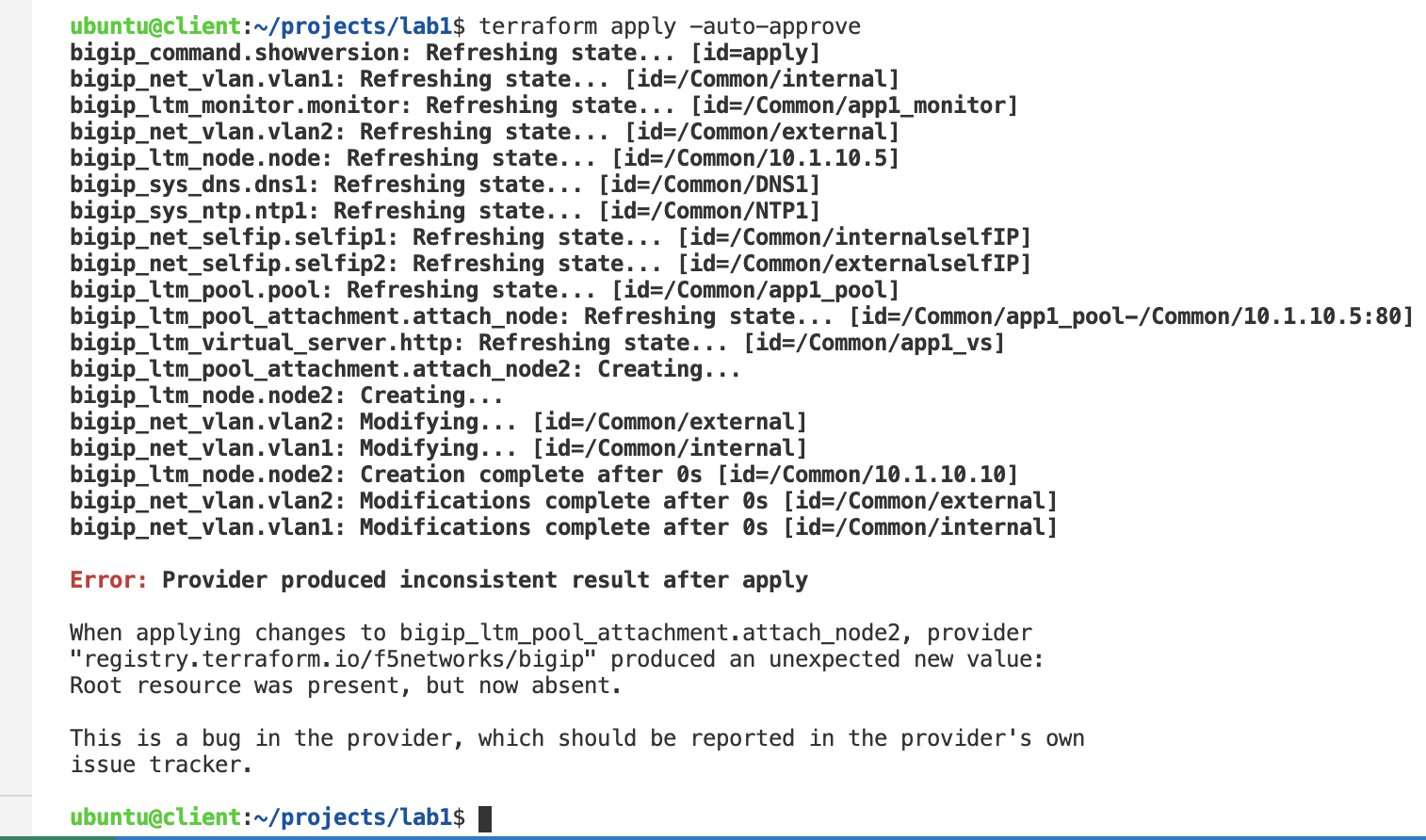
Note
The apply will most likely result with and error due to resource dependencies. If so, you may simply run terraform apply again. However I recommend you resolve the dependencies as hinted in the previous step to ensure consistency.
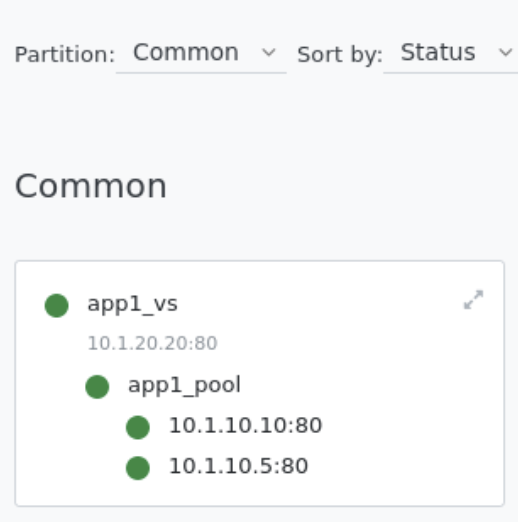
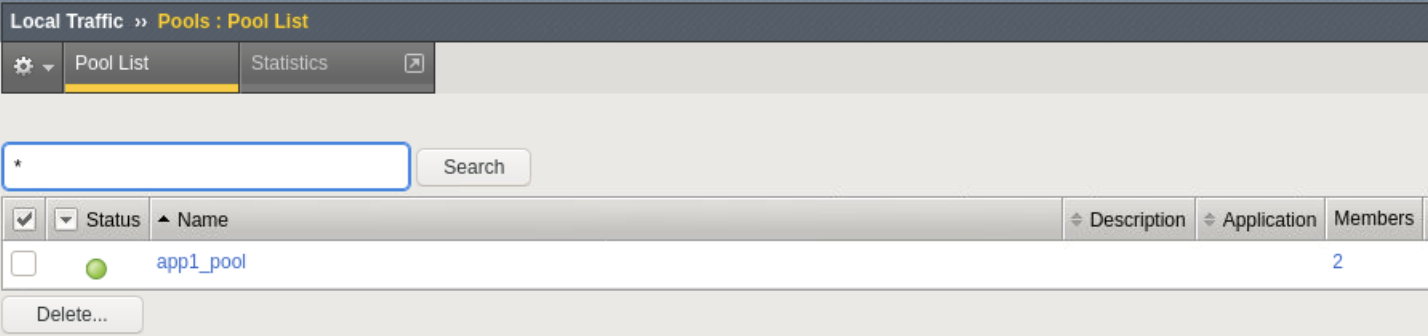
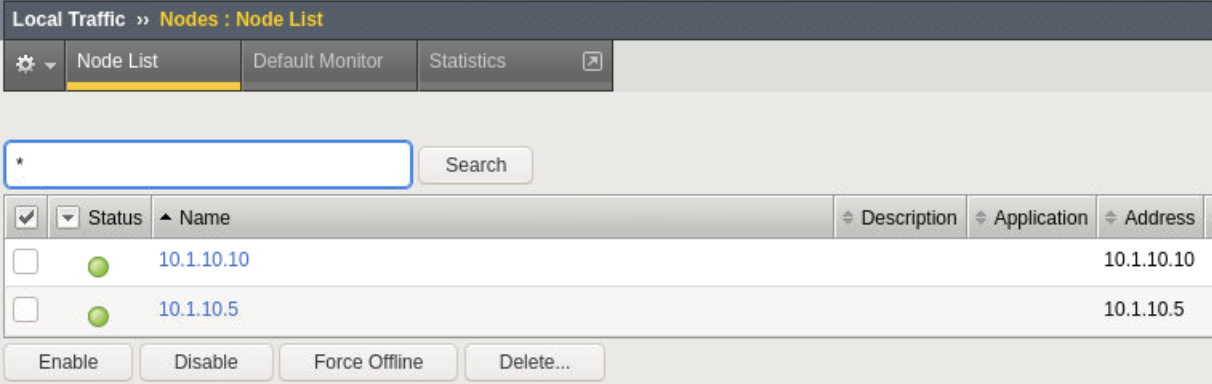
Confirm app1_pool now contains 2 pool members
Explore BIG-IP GUI Local Traffic -> Network Map to view app1 services
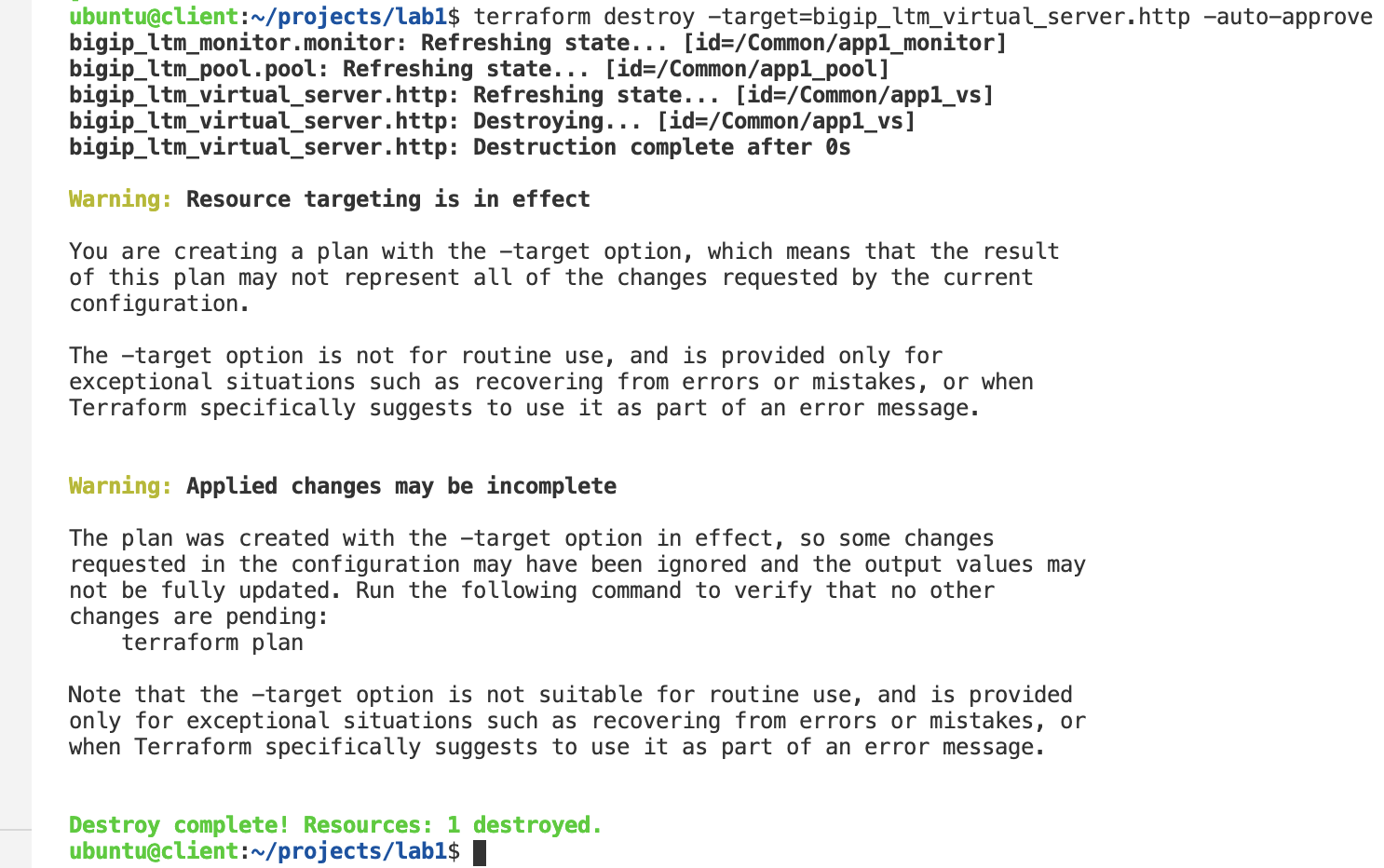
Destroy app1_vs resource
terraform destroy -target=bigip_ltm_virtual_server.http -auto-approve
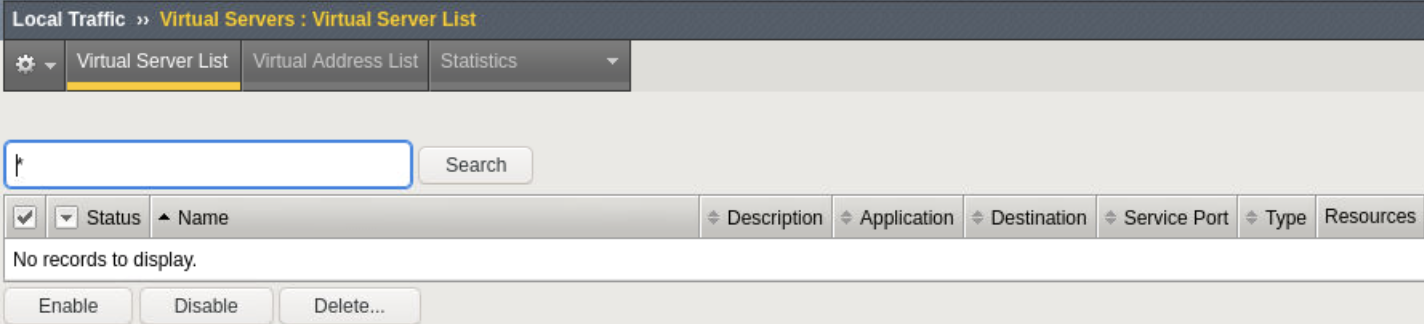
Confirm App1 services no longer exist
Explore Local Traffic -> Virtual Servers, Pools and Nodes
Destroy all services
terraform destroy -auto-approve
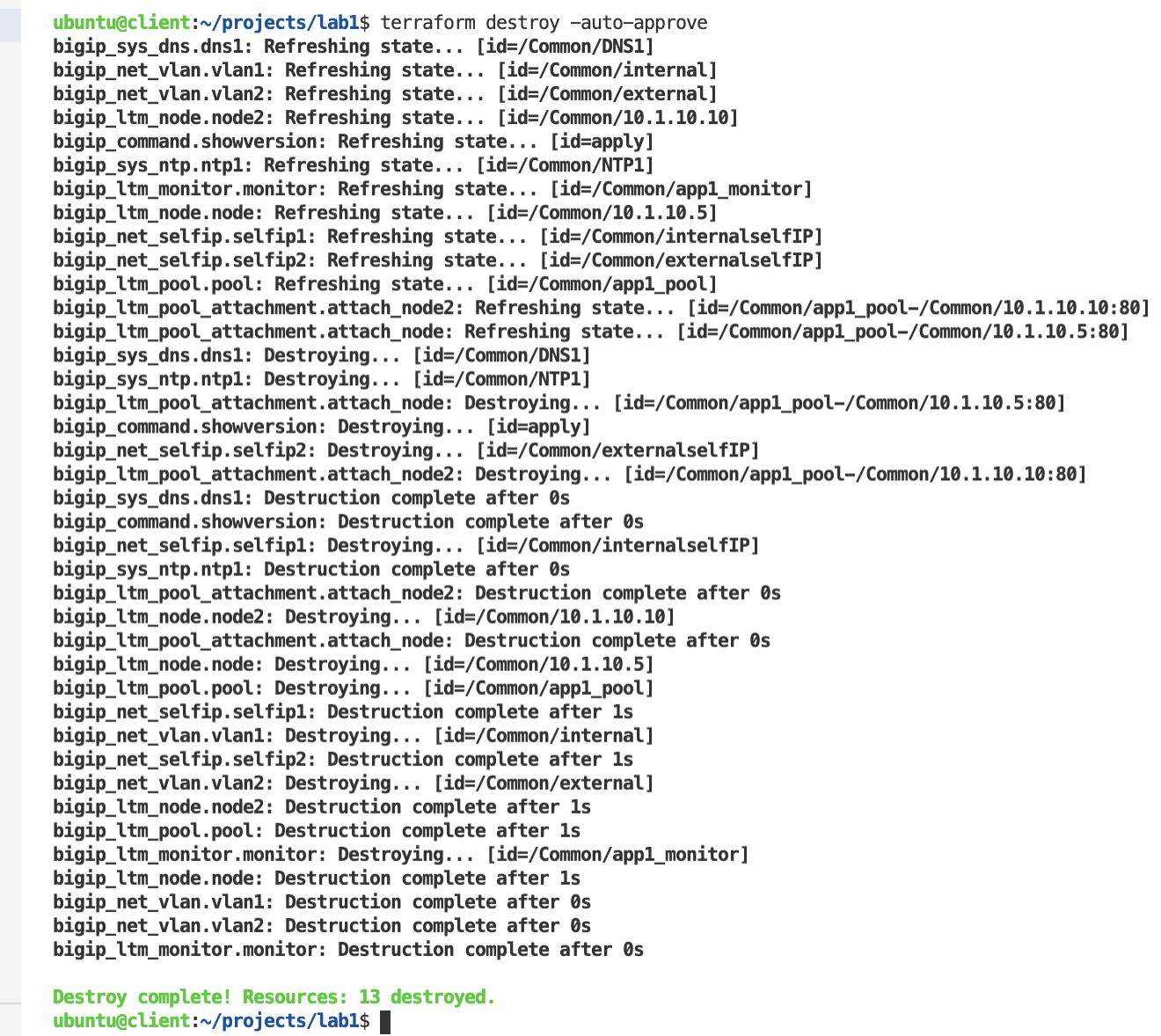
Confirm all services no longer exist
Explore BIG-IP GUI Local Traffic -> Virtual Servers, Pools and Nodes to view no app services